
Stop repeating yourself
to every AI
Relay captures what matters from your AI chats and keeps a living project brief ready
— so every fresh conversation starts where you left off.


Chrome extension · MCP for your IDE · Free to start
Saving to Relay
My App Project
Let's continue building the auth flow. We decided to use Supabase and the user table needs...
I'll help with the auth flow. Based on the Supabase setup, we should first define the user table schema with RLS policies...
→ get_brief("My App Project")
✓ Loaded project brief
Decisions: Supabase for auth, PostgreSQL...
Tasks: Implement auth flow, add RLS policies...
Constraints: No third-party auth providers
Based on the brief, implementing RLS:
CREATE POLICY "users_own_data"
ON public.users
USING (auth.uid() = id);
What Relay does
Context that moves with you


AUTO-CAPTURE
Quietly saves what matters from every AI chat
Work in ChatGPT, Claude, or Gemini. Relay captures decisions, tasks, and constraints automatically — no manual saving.
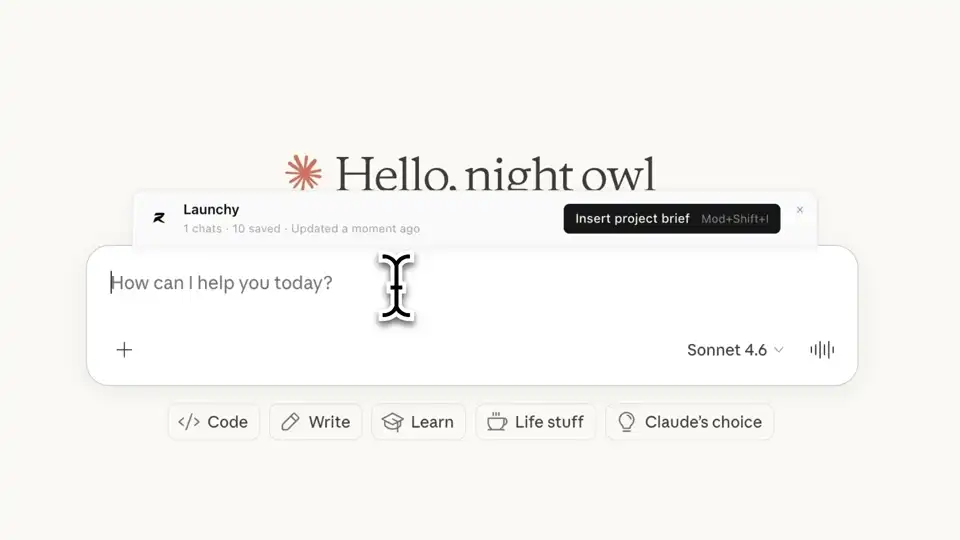
PROJECT BRIEFS
One-click context restoration in fresh chats
Your project brief updates itself as you work. Open a new chat and inject the full context instantly.
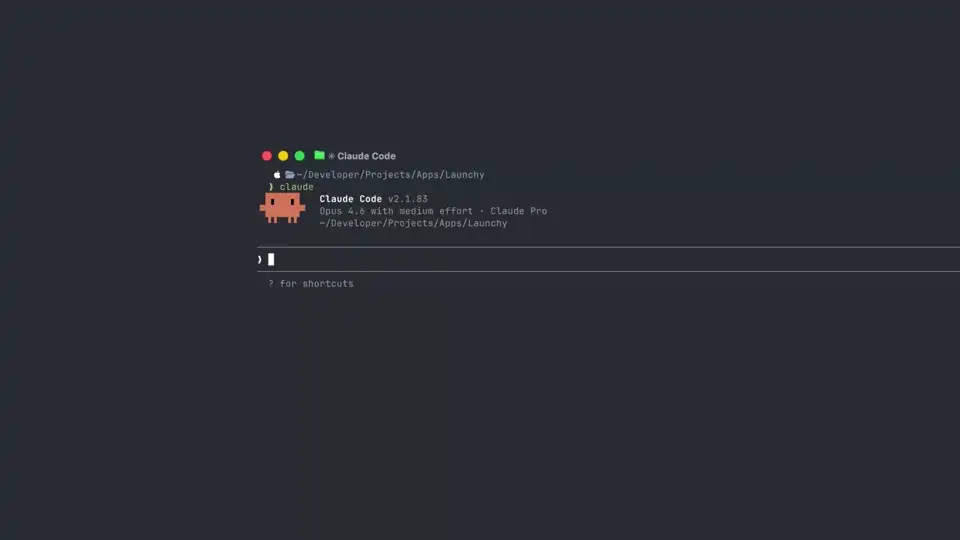
MCP INTEGRATION
Your coding agent reads and writes project memory
Claude Code, Cursor, and any MCP-compatible agent connect directly. They share the same brief as your browser chats.
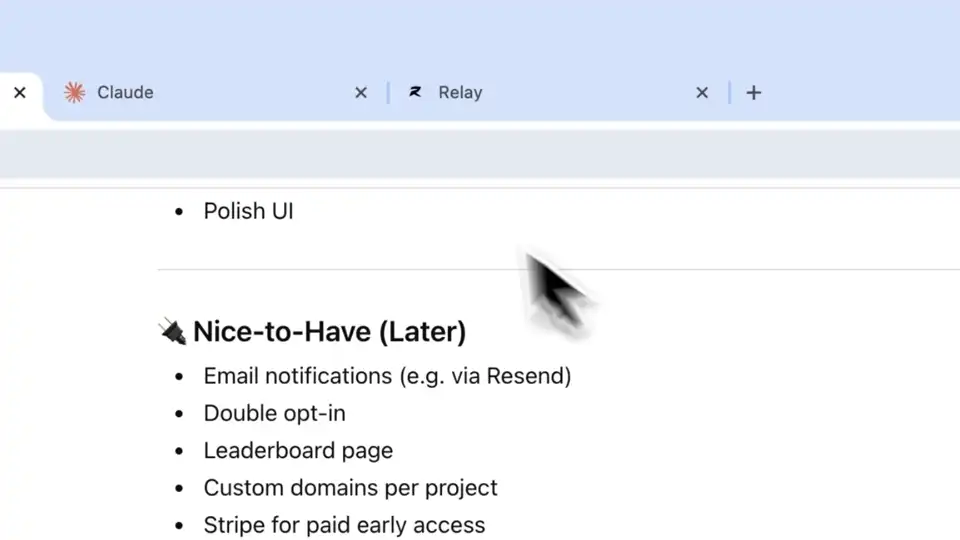
CROSS-SURFACE SYNC
Decisions flow between tools automatically
A choice made in ChatGPT surfaces in Cursor. A constraint set in Claude Code stays in sync with your next browser session.
How it works
A calmer loop than copy-pasting
transcripts
Relay captures as you chat
Work in any supported AI. Relay quietly extracts decisions, tasks, and constraints from the conversation — nothing manual.
Context flows both ways
Your project brief updates itself across sessions and tools. What you decide in the browser reaches your IDE agent via MCP — and vice versa.
One click fills the next chat
Open a fresh conversation. Insert your project brief. Keep building exactly where you left off.

auto-captures & syncs
auto-captures & syncs
MCP Integration
Your coding agent,
fully in the loop
MCP (Model Context Protocol) is an open standard that lets AI agents read and write structured memory. Relay implements it as a bridge between your browser sessions and any IDE agent.
Browser chat → Relay captures context
Relay → project brief updates automatically
IDE agent → reads latest brief via MCP
writes back decisions and progress
$ npx @onrelay/wizardSupported agents
Pricing
Simple, honest pricing
Start free. Upgrade when Relay is part of how you work — no jargon, cancel anytime.
Free
Try Relay free — no card needed
- Up to 2 projects to keep your work organized
- 5 MCP reads + 1 deep reads / day
- Keeps history for 14 days · 40 captures / month
- One-click capture from ChatGPT, Claude & more
- Add up to 3 of your own docs per project
- 1 linked website or repo per project
- Context briefs to pick up where you left off
- 10 Ask Relay AI messages / month
Starter
For people who use AI tools every day
- Up to 5 projects to keep your work organized
- 120 MCP reads + 8 deep reads / day
- 500 captures / month across every project
- Relay keeps your project context up to date automatically
- Add up to 25 of your own docs per project
- 10 linked websites or repos per project
- Richer briefs that carry continuity between sessions
- Daily Ask Relay AI allowance (no monthly cap)
Pro
For heavy users who want the most automation
- Up to 15 projects to keep your work organized
- 300 MCP reads + 20 deep reads / day
- 1,000 captures / month across every project
- Highest-quality AI model for summaries and reflections
- Add up to 100 of your own docs per project
- 50 linked websites or repos per project
- Most proactive context updates with conflict resolution
- Highest Ask Relay AI allowance + priority support
* Pricing subject to change during beta. Early users keep their rate.
FAQ
Questions & answers

Stop repeating yourself
to every AI
Relay keeps your project context ready so every fresh chat starts where you left off — across every tool you use.
Free forever · No credit card · Takes 60 seconds